Carton sleeve dieline
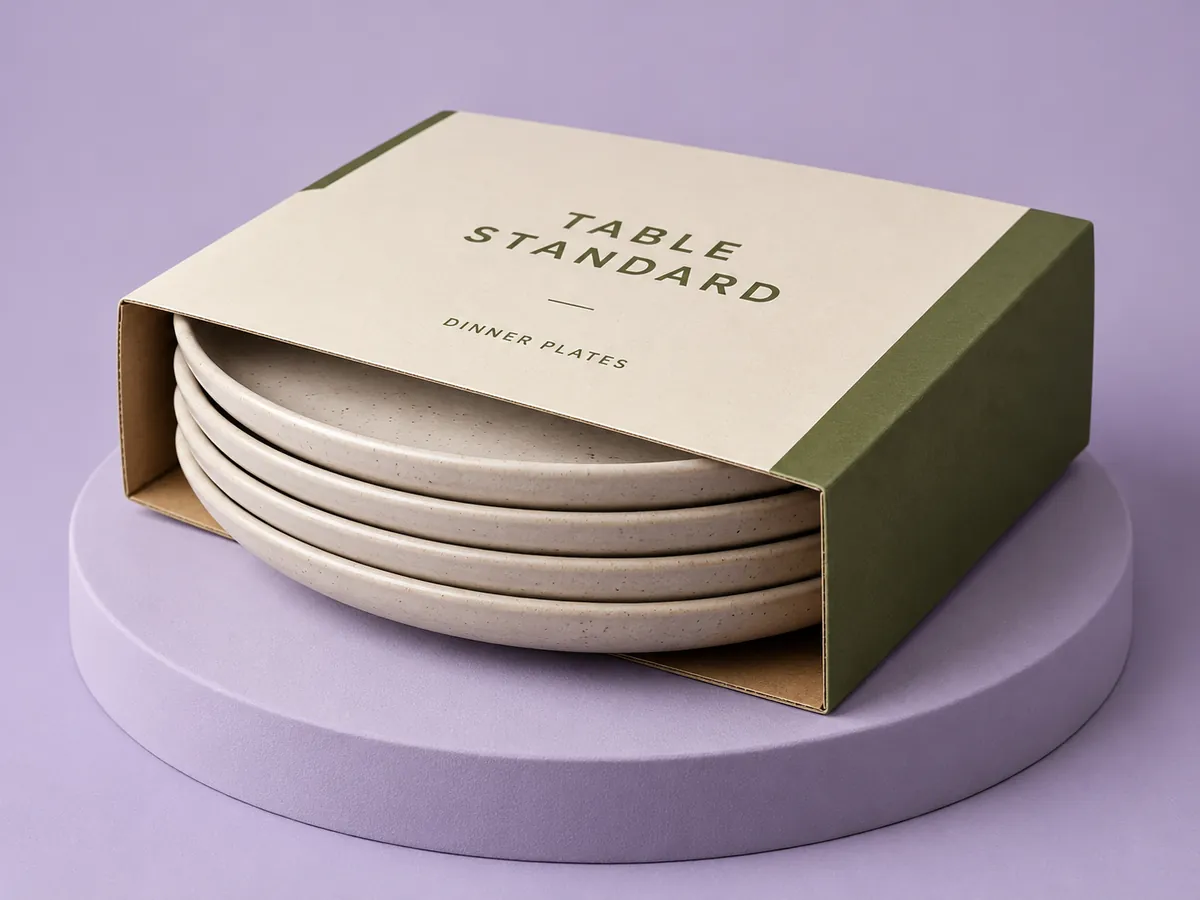
A carton sleeve is open at both ends and slides over a tray or a product. Show a tray or a printed box inside it in 3D; one spec pack covers both pieces.
Every design exports as a spec pack your printer can quote from: layered dieline, 3D renders, spec sheet and prepress report.
Add foil or spot gloss: see print finishes.
Then pick Sleeve under Style.
Standard sizes
Inside sizes in mm. Type your own in the editor. These are working sizes; confirm the exact spec with your supplier.
| Size | Board | Inside length | Inside width | Inside height |
|---|---|---|---|---|
| Small | 350gsm | 60 mm | 40 mm | 100 mm |
| Medium | 350gsm | 90 mm | 60 mm | 140 mm |
| Large | 400gsm | 130 mm | 80 mm | 200 mm |
| Tall | 300gsm | 45 mm | 30 mm | 180 mm |
Sleeves come in 300 to 450 gsm artboard, or 250 or 300 micron clear PET film with a White plate under the colours.
How to read this dieline
The line types on this dieline, and what each one means.
The outside edge of the pack. Anything past this line is trimmed off.
Where the board or film folds. Keep text and logos a few millimetres away so they do not land on a crease.
Extend background colours and images to this line so no white edge shows if the cut shifts.
Keep text, barcodes and logos inside this line. 3 to 5 mm inside the cut is a common starting point.
Before you design
Tray or box inside
A tray shows in 3D only and is not printed. A box is a second printed carton (straight tuck, reverse tuck or seal end) with its own dieline, artwork, board and finish.
Carton styles
Straight tuck end
Both ends tuck in from the front. The everyday retail carton.
Reverse tuck end
The top tucks in from the front, the bottom from the back. Common for cosmetics and pharmacy.
Seal end
Glued shut at both ends, like a cereal box.
Crash lock bottom
The base pops into place as the carton is squared up and carries weight. For jars, bottles and heavier goods; the top tucks in.
Sleeve
Open at both ends, to slide over a tray or a product.
Frequently asked questions
Can I design on this template for free?
Yes. The free plan covers designing, 3D previews and dieline and image exports; renders are watermarked and capped at 1080p. The spec pack is A$15, or included in Pro and Pro Max.