Compare
How Packaroo compares.
Honest side-by-sides with the tools people ask us about most. Each one lists its sources and the date we checked them.
At a glance
FeaturePackarooCanvaAdobe DimensionPackhelp
Real dielines
3D preview of your artwork
A file for your supplier
vs
Packaroo vs Canva
General graphic design app
- Real dielines
- 3D preview of your artwork
- A file for your supplier
vs
Packaroo vs Adobe Dimension
Desktop 3D rendering app
- Real dielines
- 3D preview of your artwork
- A file for your supplier
vs
Packaroo vs Packhelp
Packaging supplier with an online designer
- Real dielines
- 3D preview of your artwork
- A file for your supplier
Yes Partly NoFirst icon: Packaroo. Second: the other tool.
How a pack gets made in Packaroo
From a blank format to a file your supplier can quote from, in one browser tab.
-
1
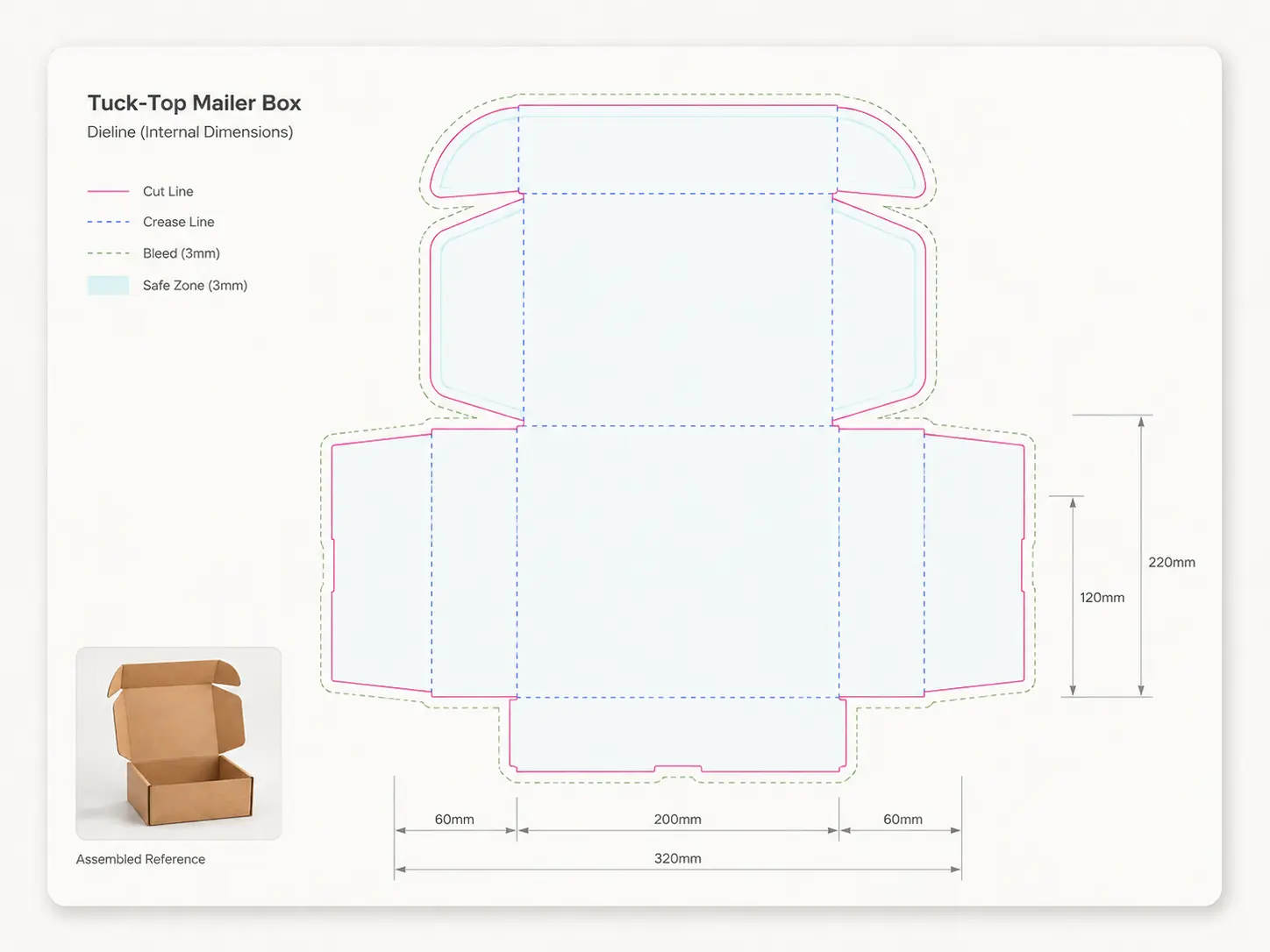
Pick a format and size
Every format starts on its real dieline, with bleed and safe area marked.
-
2
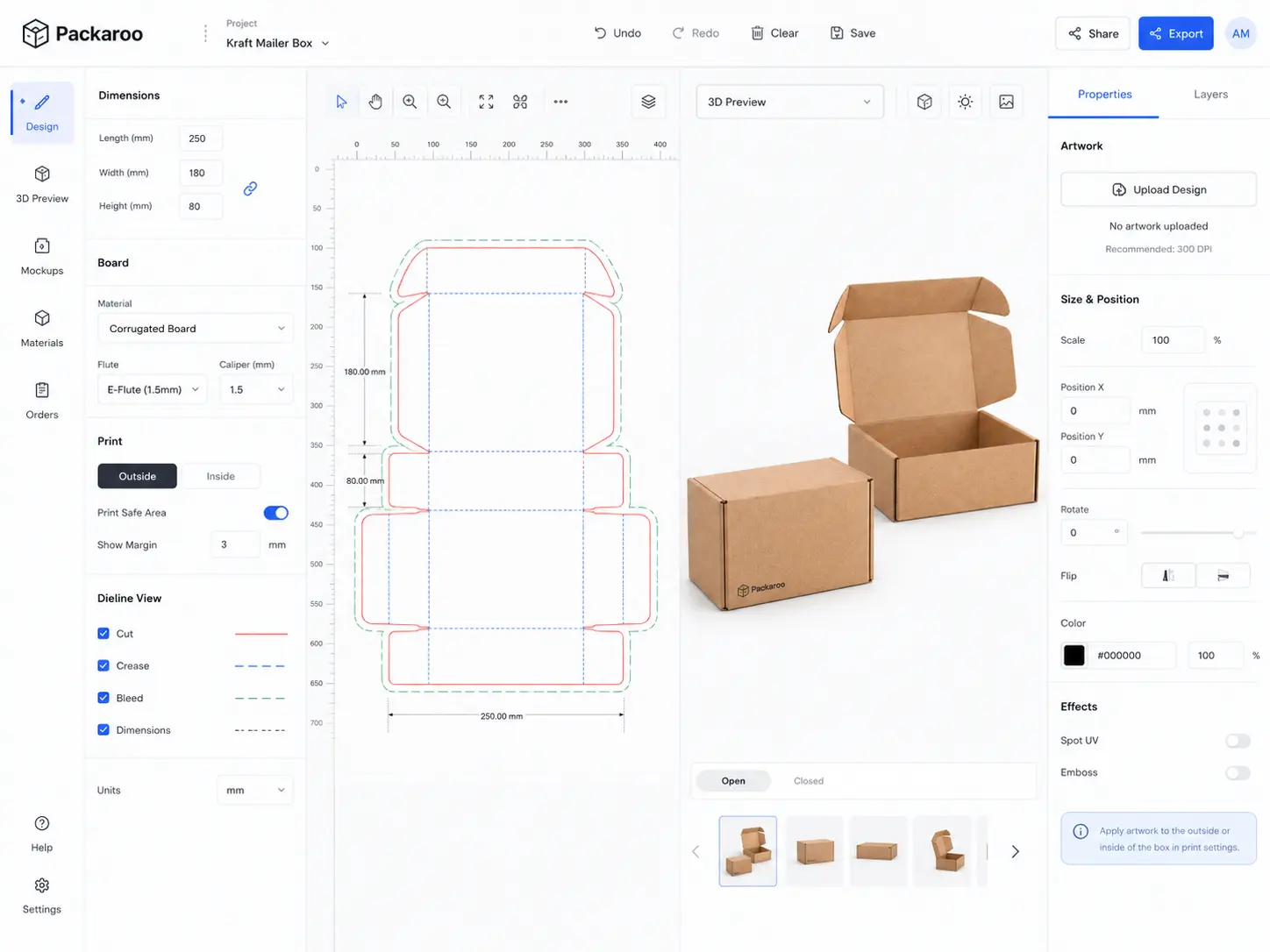
Design on the dieline
Drop in your artwork and place it panel by panel.
-
3

Check it in 3D
Spin the pack to check seams, folds and what faces the front.
-
4PDFArtwork on the dielinePDFDieline at 1:1 scalePNG3D renders, four anglesPDFSpecification sheetPDFPrepress report
Export the spec pack
One download your supplier can quote from.
See it on your own pack.
Start on the free plan: design on a real dieline, preview it in 3D, and pay when you export.