Packaroo vs Adobe Dimension
Adobe Dimension is a desktop 3D staging app for photoreal renders, included with Creative Cloud Pro. It is a strong choice for hero shots if you already live in Creative Cloud, but it works with generic 3D models rather than packaging dielines and does not produce a file for your manufacturer. Adobe's newer 3D work is in its Substance 3D apps; Dimension's latest release, 4.1.7 in January 2026, was security fixes only; its last feature update was 4.1.1 in January 2025. Packaroo runs in the browser, starts from the dieline and ends in a spec pack.
Side by side
Adobe Dimension details checked on 20 October 2026 against source 1, source 2. Prices are as listed by each company and may have changed. Spotted something out of date? Email hello@packaroo.design.
How a pack gets made in Packaroo
From a blank format to a file your supplier can quote from, in one browser tab.
-
1
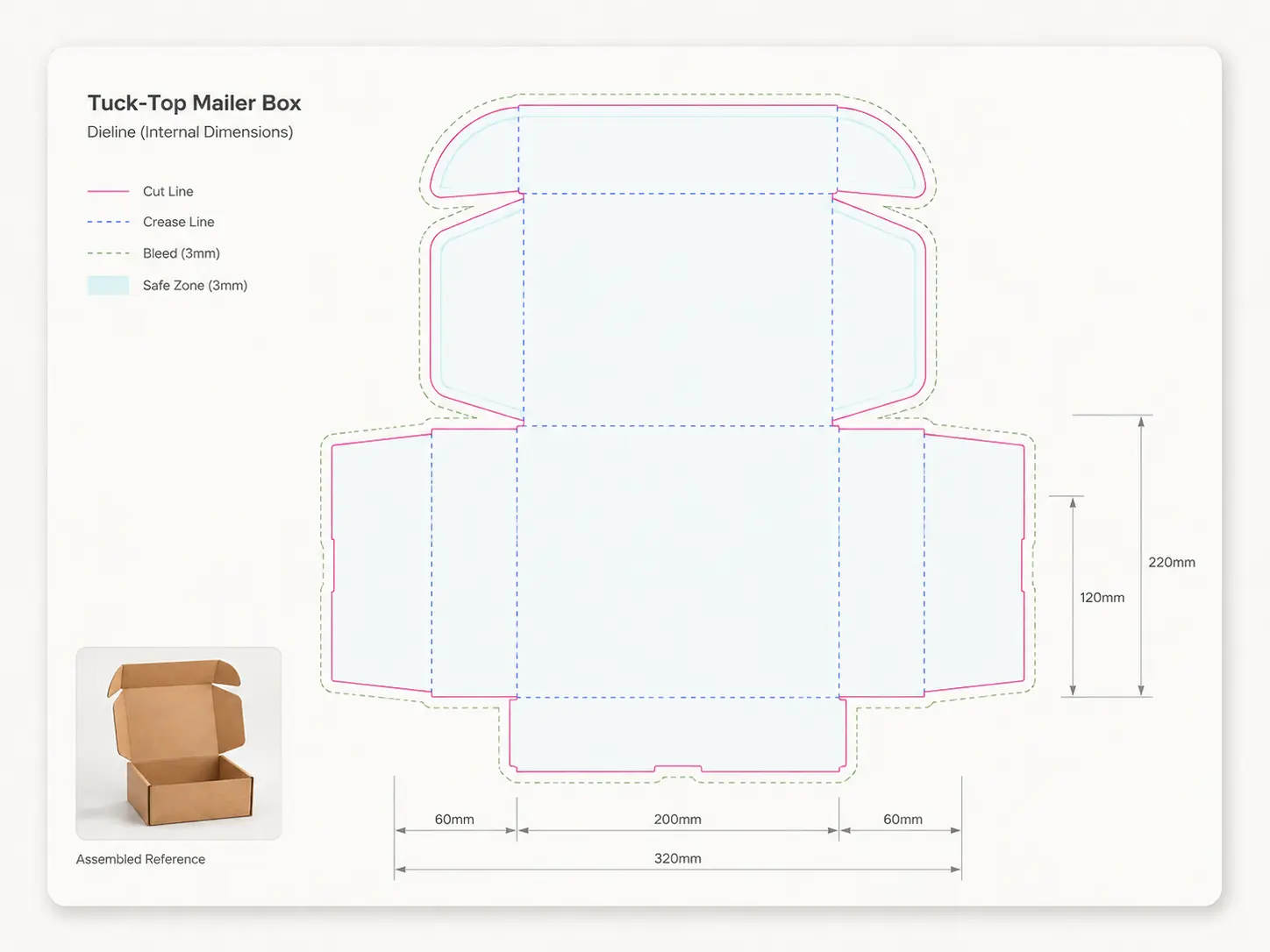
Pick a format and size
Every format starts on its real dieline, with bleed and safe area marked.
-
2
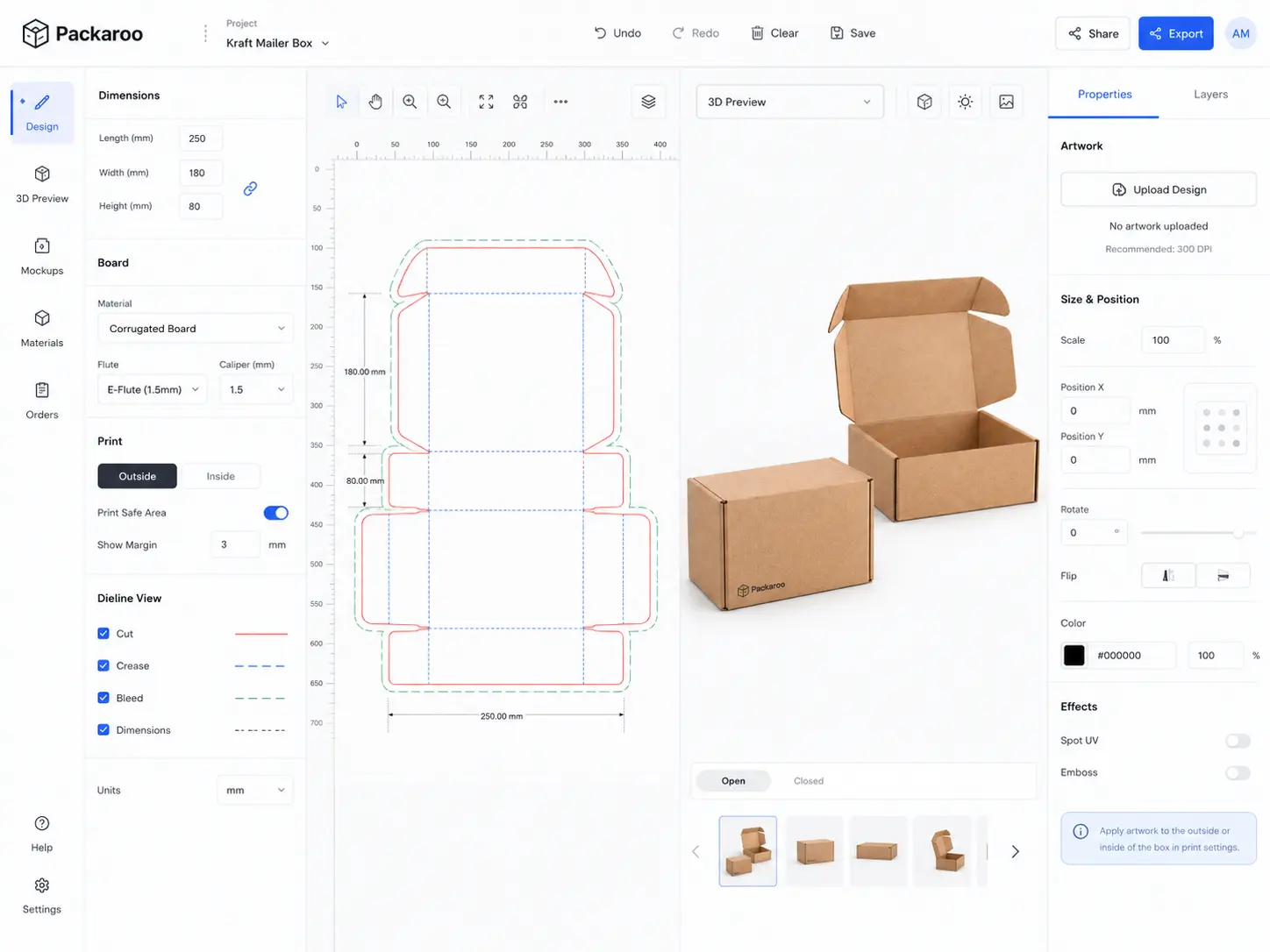
Design on the dieline
Drop in your artwork and place it panel by panel.
-
3

Check it in 3D
Spin the pack to check seams, folds and what faces the front.
-
4PDFArtwork on the dielinePDFDieline at 1:1 scalePNG3D renders, four anglesPDFSpecification sheetPDFPrepress report
Export the spec pack
One download your supplier can quote from.
Which one fits?
Choose Packaroo for
Designing the pack itself and handing it to a supplier, from any computer with a browser.
Try it freeChoose Adobe Dimension for
Creative Cloud users who need photoreal staging and lighting for marketing renders.
Visit Adobe DimensionFrequently asked questions
Is Adobe Dimension discontinued?
No. Adobe still offers it as part of Creative Cloud Pro. Its latest release (4.1.7, January 2026) was security fixes only, its last feature update was 4.1.1 in January 2025, and Adobe's newer 3D development is in the Substance 3D apps.
Do I need a powerful computer for Packaroo?
No install is needed. Packaroo runs in a modern web browser.
Can Packaroo replace Dimension for renders?
For packaging previews and client reviews, yes. For complex photoreal scenes with custom lighting, a dedicated 3D app still goes further.
Try Packaroo free.
Start on the free plan: design on a real dieline, preview it in 3D, and pay when you export.