Packaroo vs Canva for packaging
Canva is a general design app that many brands already use for logos, labels and social graphics, and it offers packaging mockups. It does not centre on packaging dielines or manufacturer files. Packaroo is only for packaging: you design on the dieline for your format, check bleed and safe areas, preview in 3D, and export a spec pack. Plenty of brands use both: Canva for the artwork, Packaroo for the pack.
Side by side
Canva details checked on 20 October 2026 against source 1, source 2, source 3. Prices are as listed by each company and may have changed. Spotted something out of date? Email hello@packaroo.design.
How a pack gets made in Packaroo
From a blank format to a file your supplier can quote from, in one browser tab.
-
1
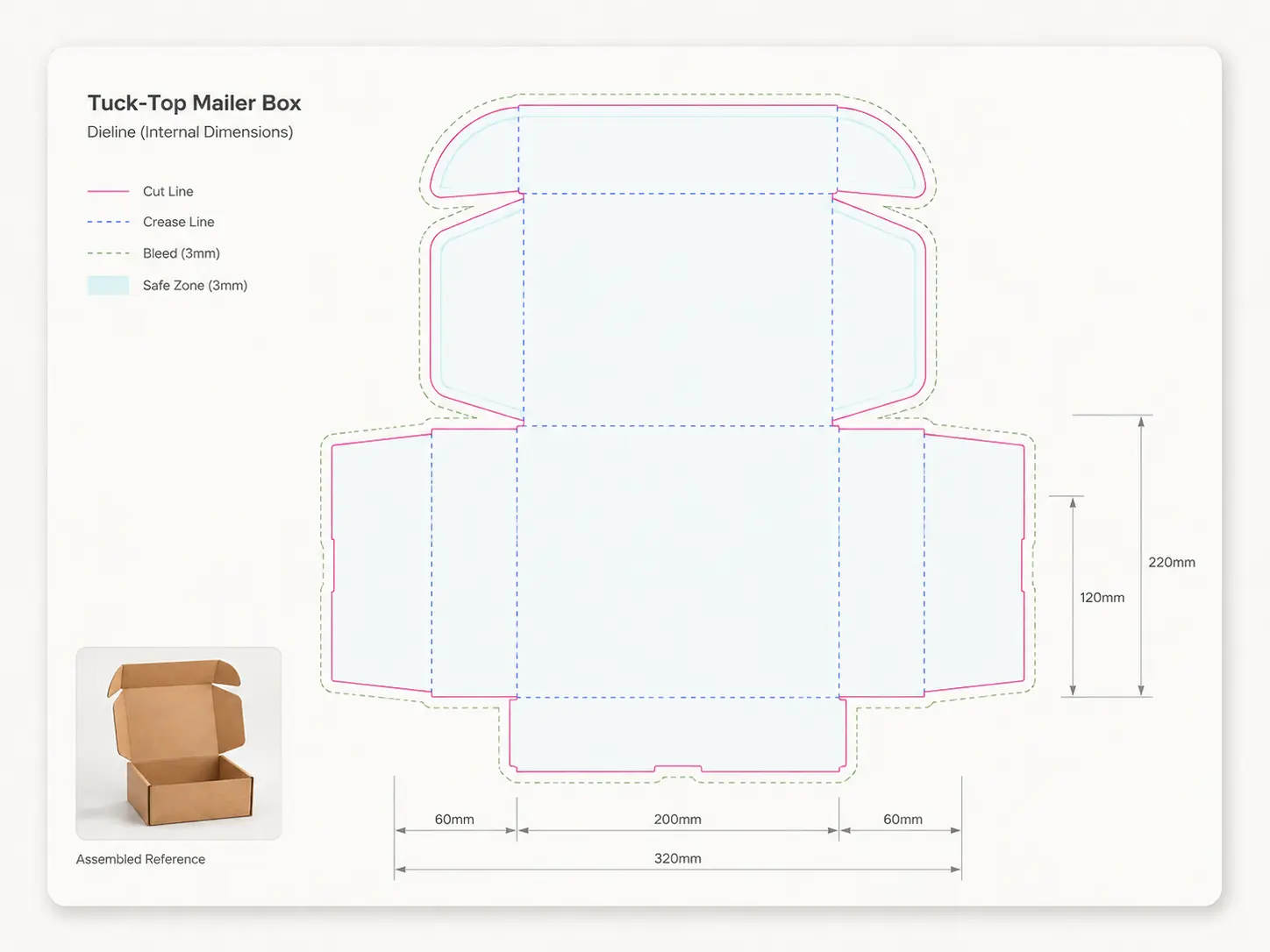
Pick a format and size
Every format starts on its real dieline, with bleed and safe area marked.
-
2
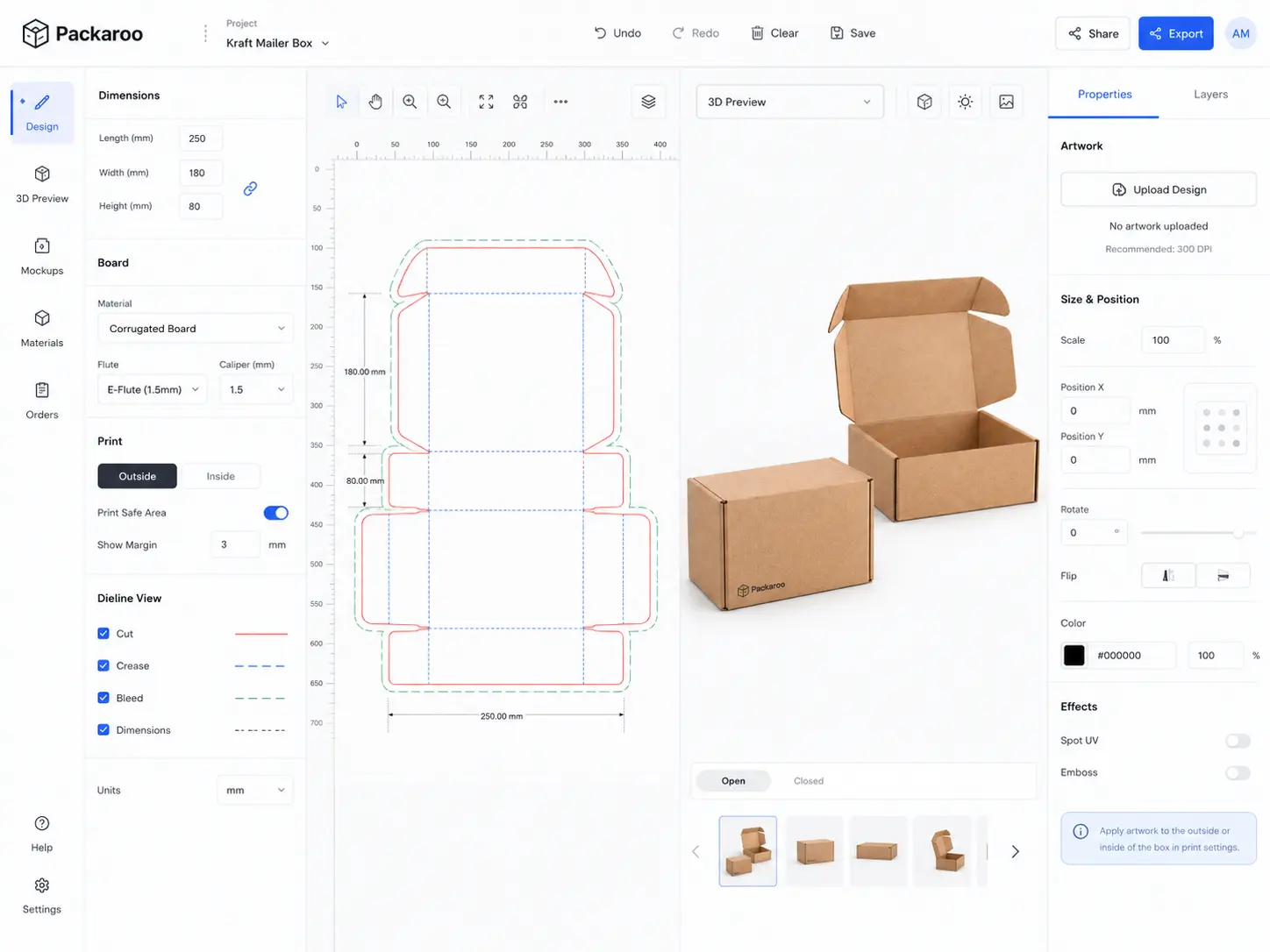
Design on the dieline
Drop in your artwork and place it panel by panel.
-
3
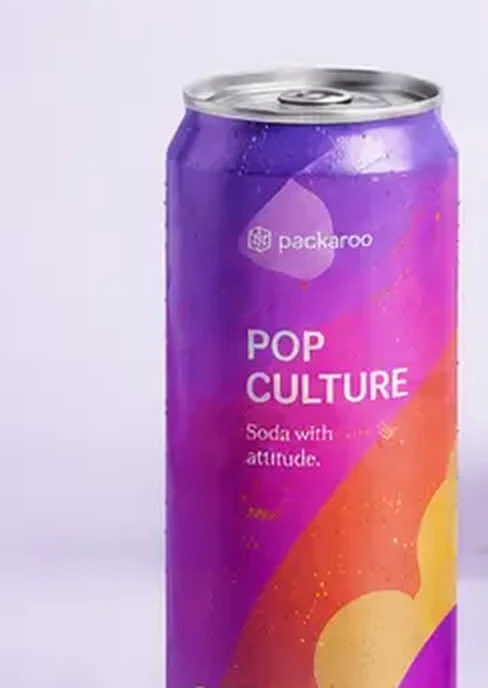
Check it in 3D
Spin the pack to check seams, folds and what faces the front.
-
4PDFArtwork on the dielinePDFDieline at 1:1 scalePNG3D renders, four anglesPDFSpecification sheetPDFPrepress report
Export the spec pack
One download your supplier can quote from.
Which one fits?
Choose Packaroo for
Turning finished artwork into packaging your supplier can quote and make.
Try it freeChoose Canva for
Quick brand graphics, social content and marketing mockups across everything, not just packaging.
Visit CanvaFrequently asked questions
Can I design packaging in Canva?
You can design artwork and place it on mockups. For a print file you will usually need the dieline from your printer. Packaroo starts from the dieline, so the artwork is built to the right size and shape from the first step.
Can I bring Canva artwork into Packaroo?
Yes. Export your artwork from Canva and upload it to a Packaroo design, then check it against the dieline and preview it in 3D.
Does Packaroo have a free plan like Canva?
Yes. You can start on the free plan, with some features limited, and pay when you export a spec pack, from A$15.
Try Packaroo free.
Start on the free plan: design on a real dieline, preview it in 3D, and pay when you export.