See your packaging at real size in AR
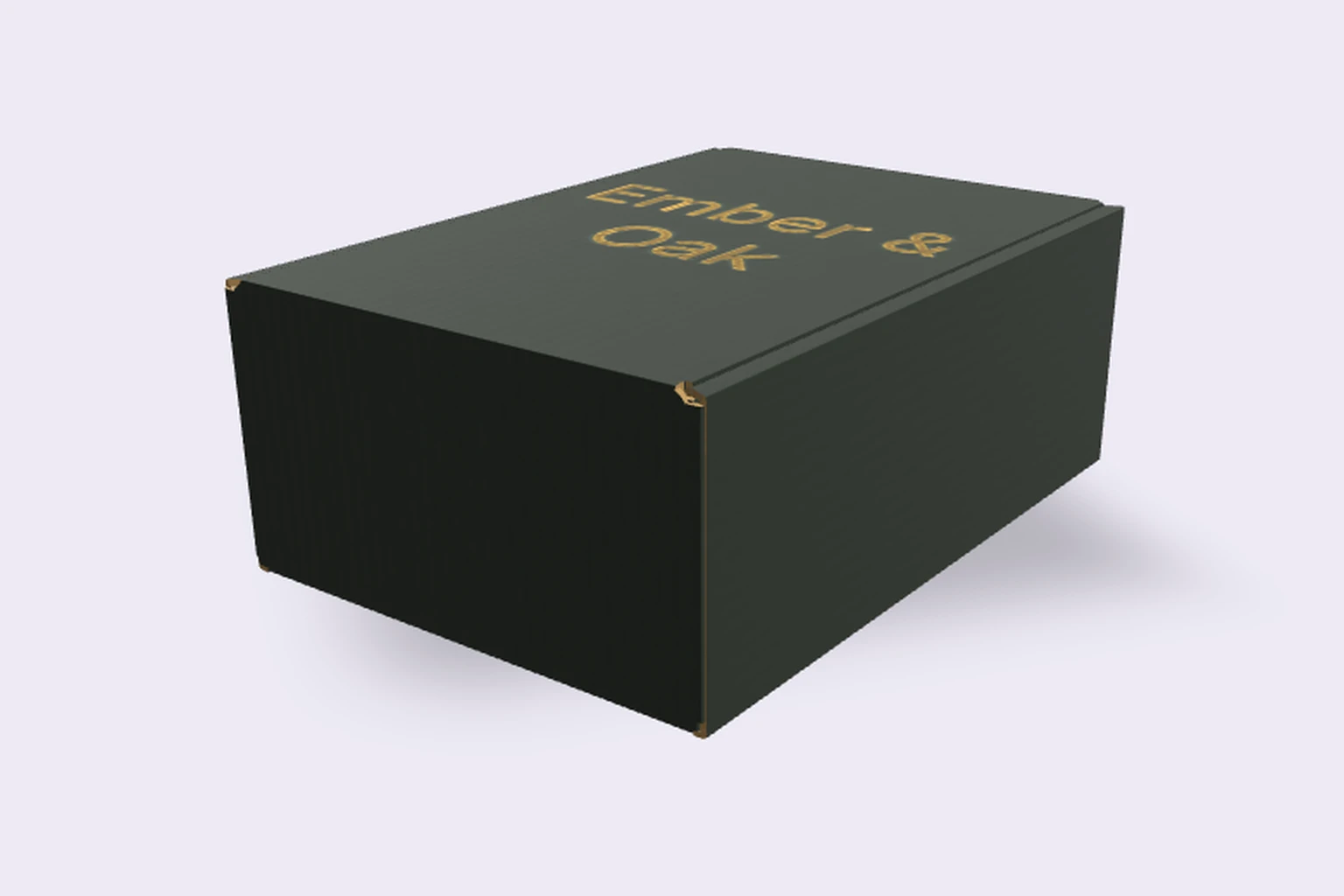
Packaroo AR puts your packaging design on a real desk, counter or shelf, at its true size, before anything is printed. Open one link or scan a QR code on an iPhone, iPad or Android phone.
How it works
- Design your pack in Packaroo, or open one you already have.
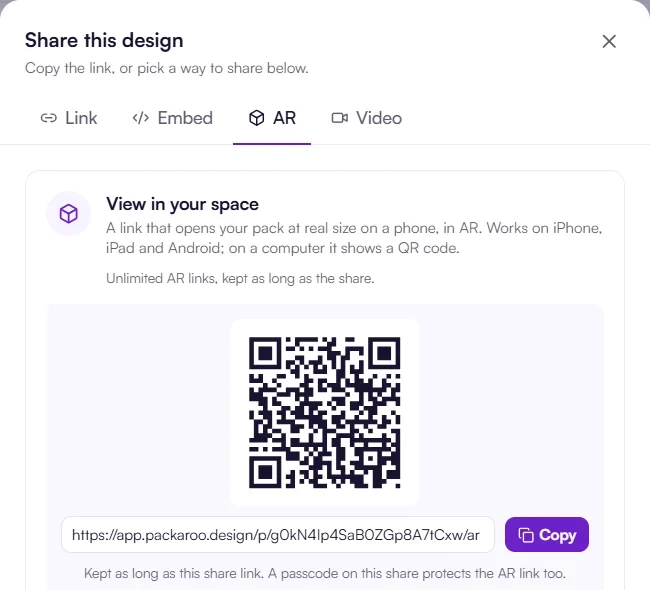
- Open Share, then AR, and copy the link or show the QR code.
- On a phone, the pack appears in your room at real size. Walk around it and look from every side.
It opens in the phone’s browser, through Quick Look on iPhone and iPad or Chrome on Android, so nobody installs an app. On a computer, the link shows a QR code to scan.
Why check packaging in AR
A screen makes every box look the same size. In AR you see how big the pack is next to the product, on a shelf or in your hand, and whether the logo reads from across the room. Clients and suppliers can check size and look before you pay for a printed sample.
Share it with clients and suppliers
Send the AR link with your approval link, or put the QR code in a pitch deck. A passcode on the share protects the AR link too. For your online store, use a 3D embed, and for social media a product video.
AR links on each plan
The free plan includes 1 AR link, kept for a day. Pro includes unlimited AR links, kept for 30 days, and on Pro Max they last as long as the share. See pricing.
Frequently asked questions
Does Packaroo have AR?
Yes. Packaroo AR opens your packaging design at real size on an iPhone, iPad or Android phone, from a link or QR code.
Do I need an app to see packaging in AR?
No. It opens in the phone’s browser: Quick Look on iPhone and iPad, Chrome on Android.
Is Packaroo AR free?
The free plan includes 1 AR link. Pro and Pro Max include unlimited AR links.
Which packaging works in AR?
Any format you design in Packaroo, from mailer boxes and cartons to cans, cups, pouches and bottles with labels.