AI packaging design, on the real dieline
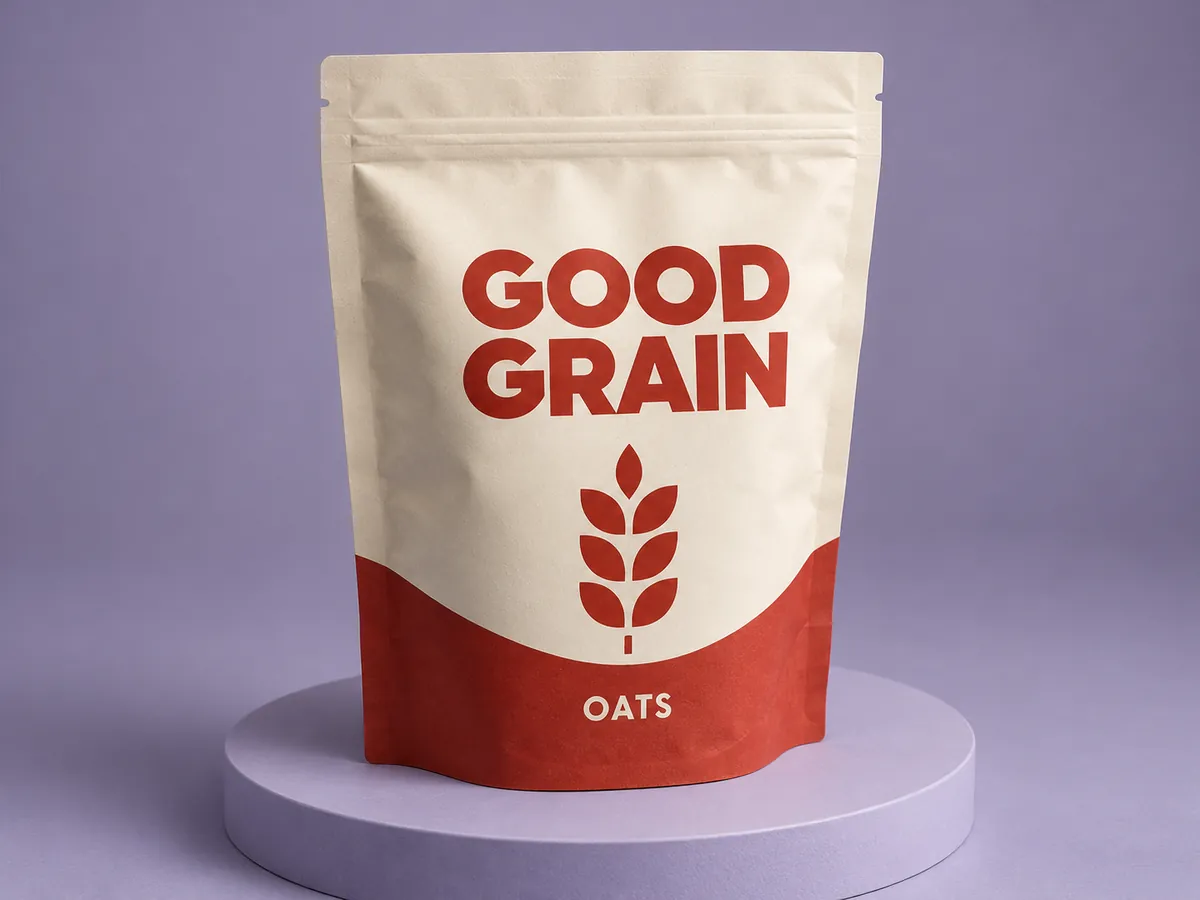
Tell the Packaroo assistant what you are making and who it is for. It lays out a first design on the real print layout, in your brand, and you see it in 3D straight away. Change anything by asking, or by hand.
The assistant is part of the Pro and Pro Max plans.
How it works
- Describe the product, who it is for and the feel you want.
- The assistant proposes a design on the dieline for that format, starting from your Brand Kit.
- Turn it in 3D, then ask for changes or edit the layers yourself.
From a product idea to a box that fits it
Start from what you sell. The assistant goes from a product idea to a box that fits it, then designs on that dieline. The draft has bleed and safe areas from the start, so it can go on to a spec pack for your printer.
Designed on the dieline, not a flat picture
An image generator gives you a picture of a package. The Packaroo assistant works inside the editor, on the dieline for your format. The design has the true size, the folds and the bleed a printer needs. Every layer stays editable.
Also in Claude and ChatGPT
Already work in a chat? The Packaroo connector brings the same packaging tools into Claude, ChatGPT and Claude Code.
Frequently asked questions
Which plans include the AI assistant?
Pro and Pro Max, with more AI each month on Pro Max. The free plan covers designing by hand, 3D previews and 3 downloads. See pricing.
Does the assistant use my brand?
Yes. It reads your Brand Kit, so drafts start with your logo, colours and fonts.
Can I edit what the assistant makes?
Yes. Ask for changes in plain words, or edit any layer by hand in the editor.
Can I send an AI design to my printer?
Yes. The design sits on the real dieline with bleed and safe areas. Check it in 3D, then export a spec pack for your printer.
Related: Brand Kit · 3D packaging mockups · Packaroo in Claude