A packaging approval workflow, built in
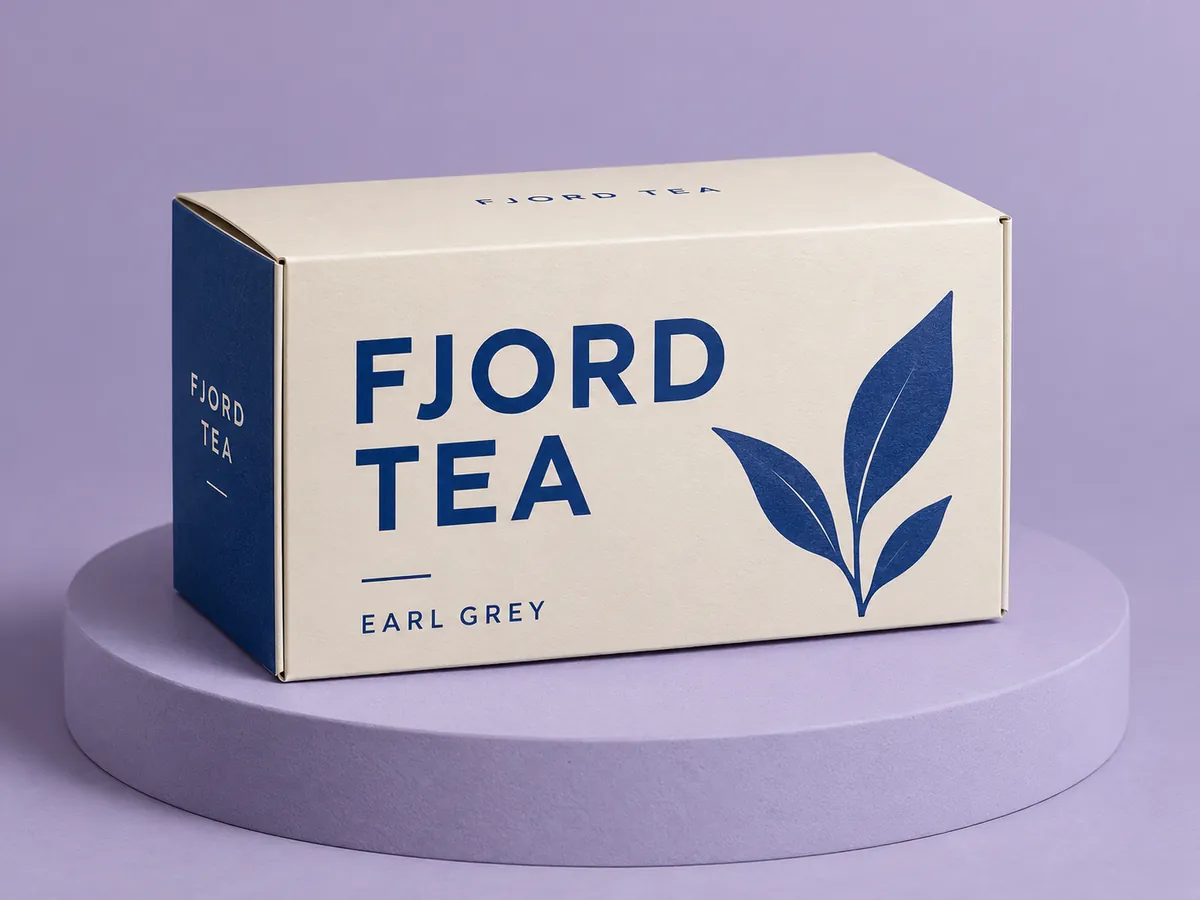
Packaroo has an artwork approval workflow built in, so sign-off happens where the design lives. Send your client one link. They turn the pack in 3D and approve it or leave notes, with no account needed. Each approval is locked to the exact version they saw, and you are told if the design changes afterwards.
How it works
- Save your design and create a share link.
- Your client opens it in a browser, turns the pack in 3D, and leaves comments or approves.
- The approval is pinned to that version. Change the design later and the link shows it has changed since approval.
Approved means approved
An approval by email can point at any version of a file. A locked approval records the exact version your client signed off. The changed-since-approved flag tells you when you need a fresh sign-off before the spec pack goes to the printer.
No login for your client
Clients open the link in their browser and see the pack in 3D. They do not need a Packaroo account to comment or approve.
Share links on each plan
The free plan includes one share link, with comments and approvals. Pro and Pro Max include unlimited share links and let you send work to clients under your own name. See pricing.
Frequently asked questions
Does my client need an account?
No. They open the link, turn the pack in 3D, and comment or approve without signing up.
What happens if I change the design after approval?
The approval stays with the version the client saw, and the share link flags that the design has changed since approval.
How many share links do I get?
One on the free plan. Pro and Pro Max include unlimited share links.
Related: For agencies and freelancers · 3D packaging mockups · Brand Kit